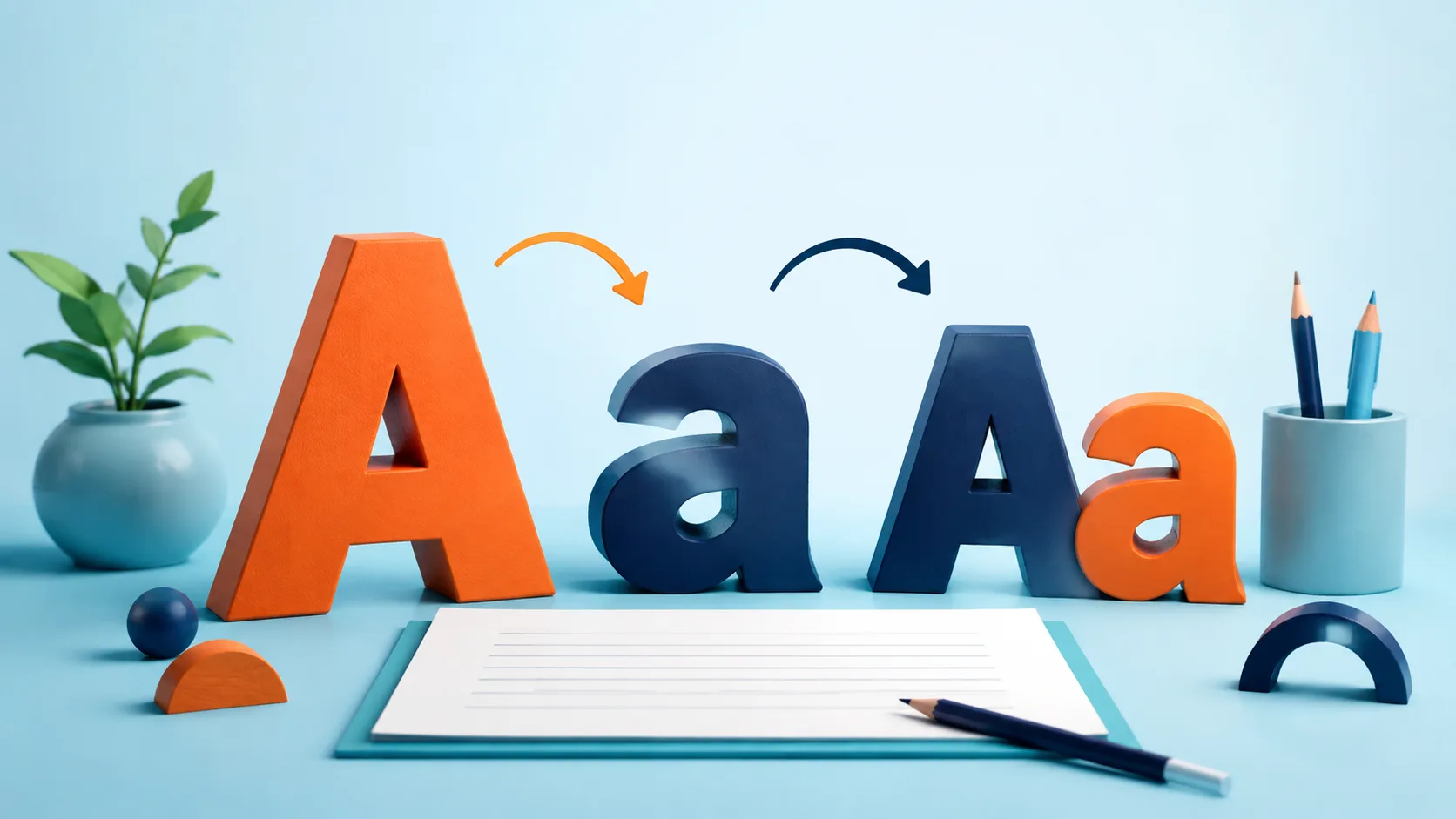
You can change the capitalization of English text without retyping it. Choose uppercase for all capital letters, lowercase for all small letters, or sentence case for a more readable sentence. Automatic conversion changes letter shapes; it does not understand names, acronyms, or your publication's style rules.
Choose the right conversion
Paste your text into the Tolibox text case converter. Then select the button that matches your purpose:
- UPPERCASE turns
Write clearlyintoWRITE CLEARLY. - lowercase turns it into
write clearly. - Title Case capitalizes the beginning of words.
- Sentence case lowercases the text and capitalizes sentence beginnings recognized by the tool.
For a direct test, paste WRITE CLEARLY EVERY DAY. and select Sentence case. The result is Write clearly every day. You can choose another conversion using the same original input before copying the preferred result.
Proofread names and abbreviations
A converter may turn NASA into Nasa or nasa, depending on the selected mode. It may also change a brand's unusual capitalization. Restore those forms manually. Title Case here is a mechanical conversion, not a promise to follow a particular editorial handbook.
Avoid converting passwords, case-sensitive identifiers, or URL paths. A change that looks cosmetic in ordinary prose can change the meaning of those strings. Work on a copy whenever the text contains technical references.
Microsoft's capitalization guidance describes comparable case choices for document editing.
Does the tool translate my text?
No. It changes capitalization, not language or wording.
Will it correct every sentence automatically?
No. Abbreviations, quotations, and unusual punctuation still need a human check.
Use sentence case for a readable first pass, then inspect proper nouns and acronyms before publishing. The few seconds spent proofreading matter more than making every heading follow the same automatic pattern.