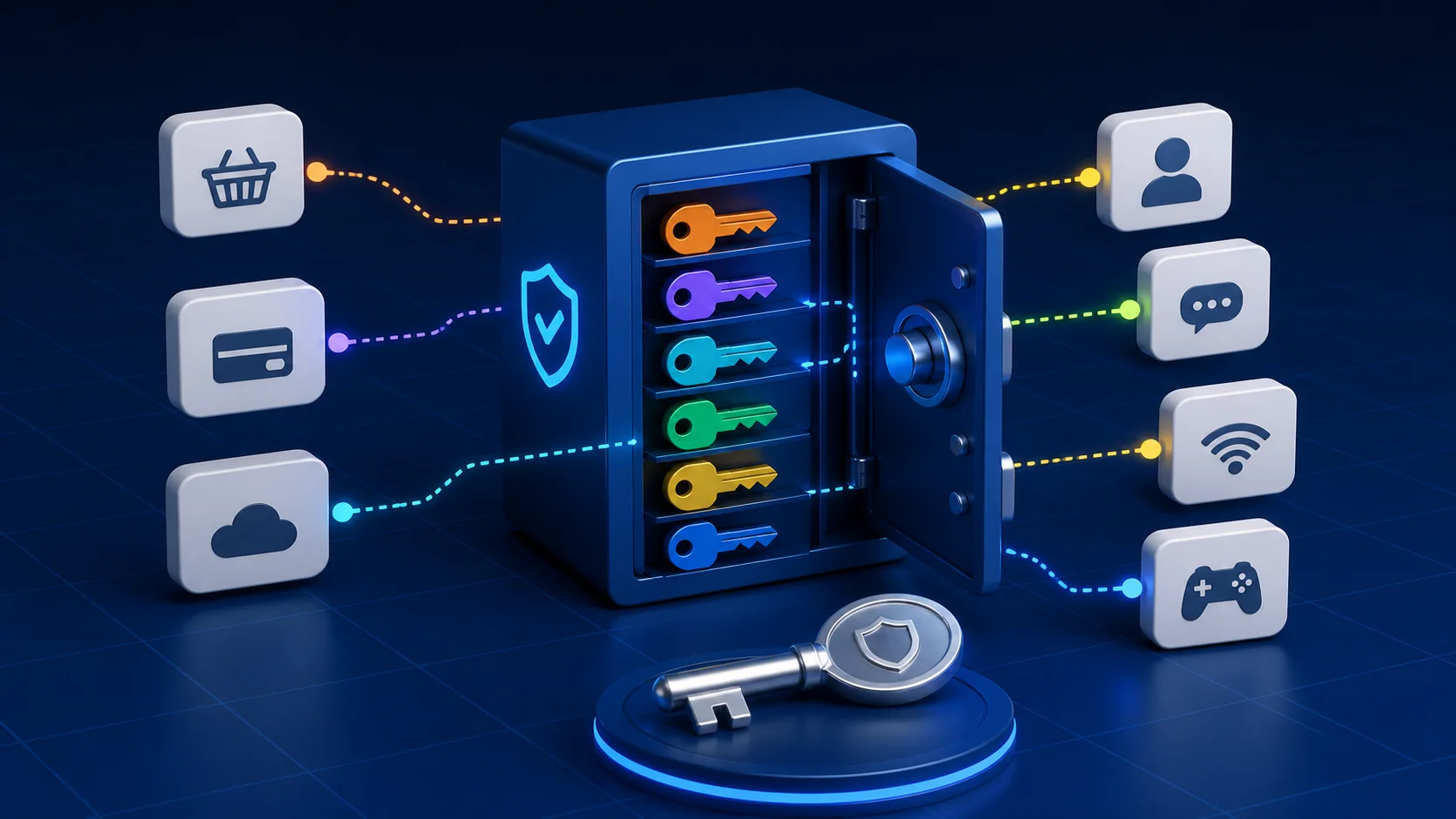
Using a different password for every account is manageable when you stop trying to memorize them all. A password manager can create, store, and fill unique passwords, leaving you with one strong master passphrase to remember.
Let a password manager handle the list
Choose a reputable password manager that supports encryption, account recovery, and multi-factor authentication. Add your important accounts first, then replace reused passwords gradually. Email, banking, work, cloud storage, and shopping accounts deserve early attention because they contain sensitive data or recovery access.
For each account, open the Tolibox password generator, select a long length accepted by the service, and generate a random value. Save it in the manager before closing the page. Do not reuse it or create a numbered series for different websites.
Protect the one password you remember
Your master passphrase should be long, unique, and unrelated to your public information. Several unrelated words can be easier to remember than a short string of symbols. Never use the master passphrase on another website.
Enable multi-factor authentication for the manager and keep its recovery method in a secure place. Lock your computer and phone, install security updates, and remove old devices from your account.
Build the habit one account at a time
You do not need to fix every login in one sitting. Each time you sign in to an account with a reused password, replace it and save the new value. Use the Tolibox password strength checker when creating the master passphrase or reviewing a password you made yourself. The checker works locally in your browser.
What if I lose access to the manager?
Set up the provider’s recovery options before you need them. Keep recovery codes offline in a secure location and make sure your recovery email and phone number are current.
Can I keep passwords in a spreadsheet?
An ordinary unprotected spreadsheet is easy to copy or expose. A purpose-built password manager is generally safer because it is designed to encrypt and protect credentials.