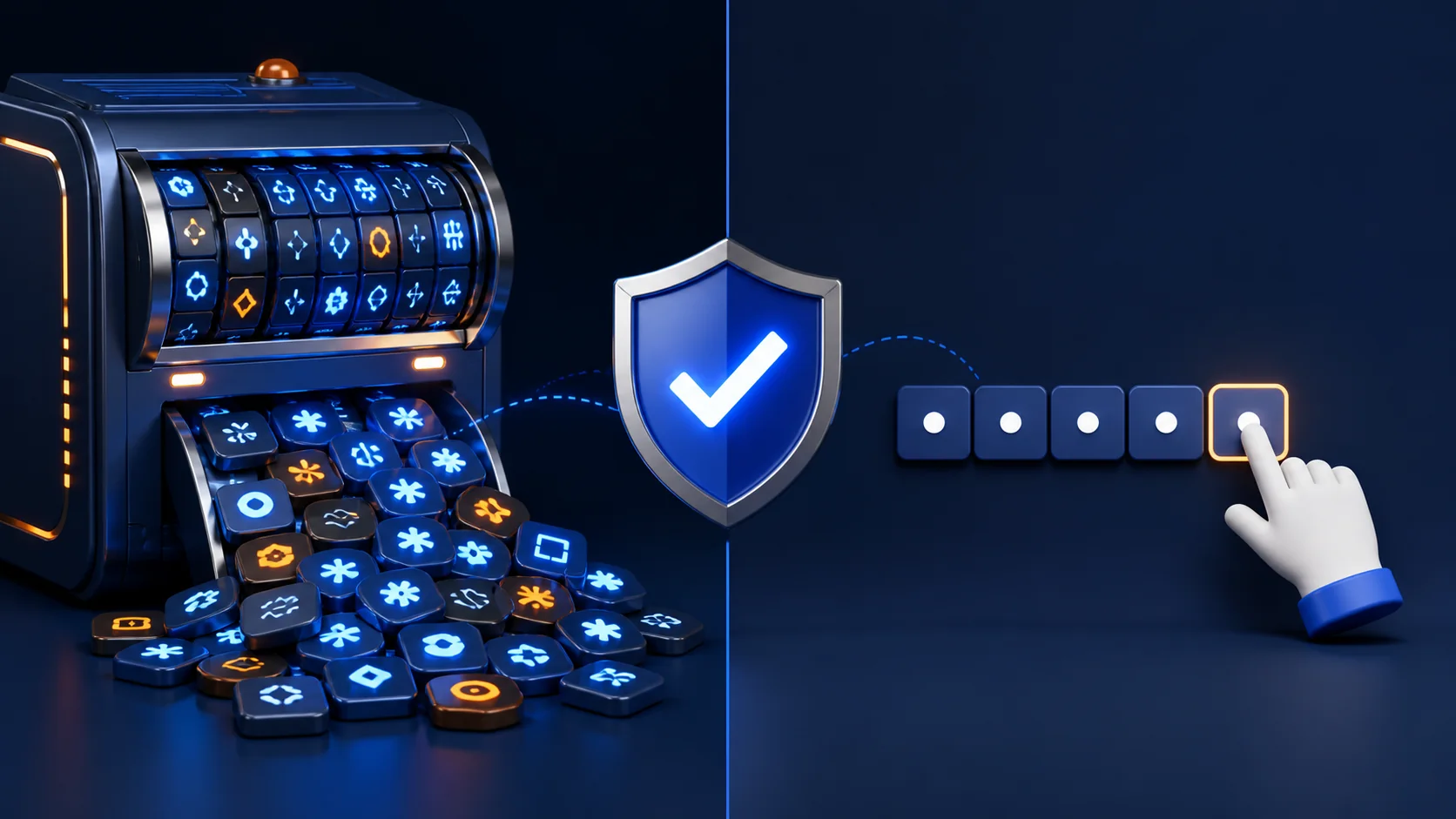
An automatic password generator is usually the better choice for accounts you do not need to type from memory. It removes predictable human habits and can create long random combinations in seconds. A self-created passphrase remains useful when memorability is essential, such as the master password for a password manager.
When a generator works best
People tend to choose familiar words, dates, names, and repeated patterns. Attackers know these habits. A generator can select characters without personal meaning, producing a result that is harder to predict.
Use the Tolibox password generator to choose a suitable length and include the character groups accepted by the website. Generation happens in your browser through a cryptographic random source. Tolibox does not store the generated value, so copy it directly into a trusted password manager before leaving the page.
Random passwords are ideal for email, shopping, social media, cloud services, and any account your password manager can fill automatically.
When creating your own can make sense
You may need to remember and type a password without access to autofill. In that case, build a long passphrase from several unrelated words. Keep it private, avoid quotations or personal details, and never use the phrase for a second account.
Do not rely on simple transformations such as changing “o” to zero or adding the current year. These patterns look complex but remain easy to anticipate.
Use the right method, then verify
The best method depends on how the password will be used. Choose random generation for maximum unpredictability and a carefully built passphrase for memorability. In both cases, review the result with the Tolibox password strength checker, store it safely, and enable multi-factor authentication.
Are generated passwords impossible to crack?
No password is impossible to compromise. Randomness and length reduce the risk, while secure storage and multi-factor authentication provide additional protection.
Should I save a generated password in my browser?
A reputable browser password manager can be appropriate if you protect the account and device well. Review its security and recovery settings before relying on it.